
 In development · Mac beta in testing
A Teleprompter That Just Works.
Professional teleprompter software built for creators who value simplicity, reliability and getting the shot.
Write your script. Connect your screen. Start recording. No complicated setup, no unnecessary interruptions.
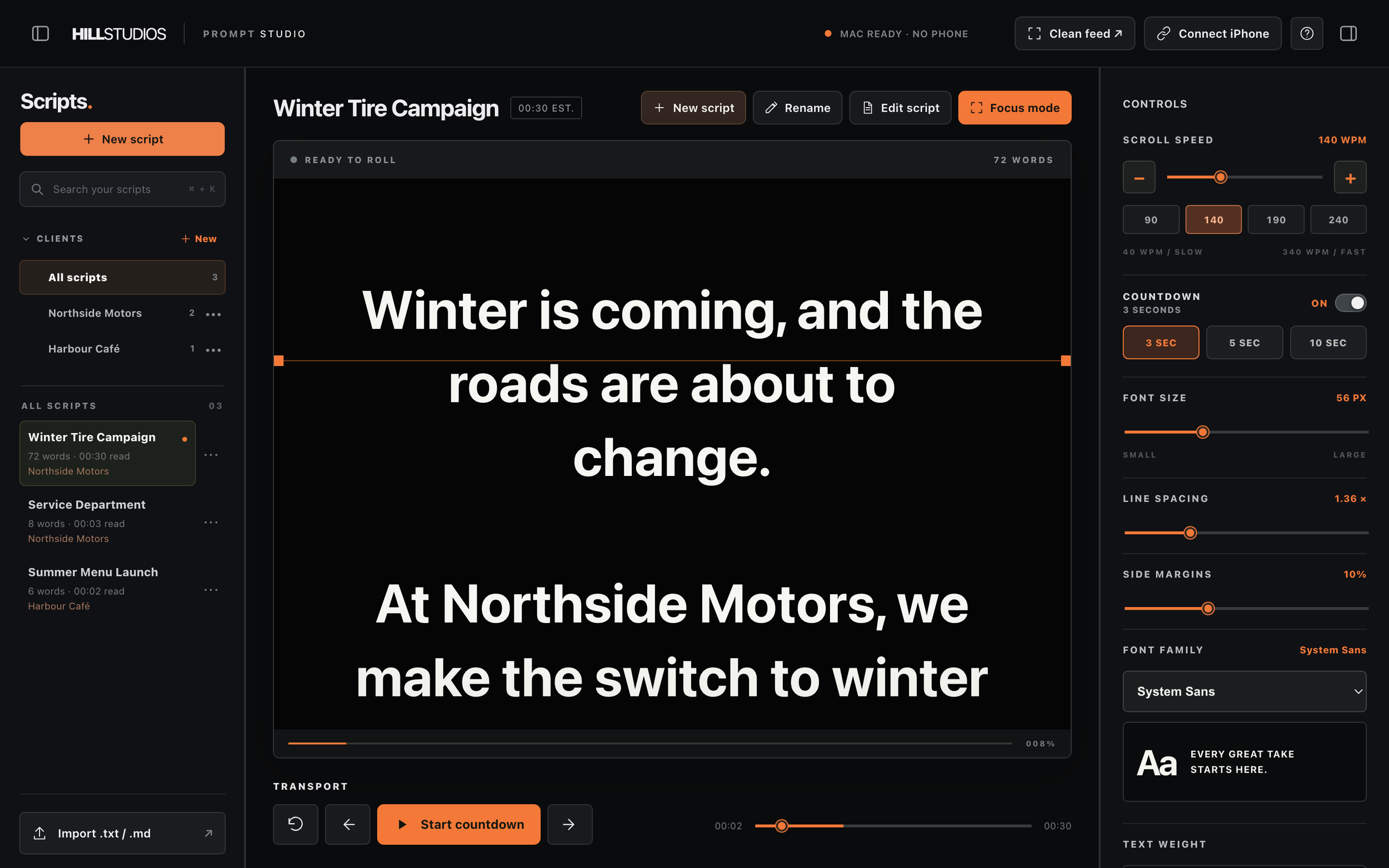

Shown: Development build v0.18 on a Mac, with a phone as the teleprompter display.
Your teleprompter shouldn’t slow down your production.
HillPrompt Studio comes from HillStudios, a video production company that films for dealerships, real estate and businesses across Ontario. We kept losing time on set to teleprompter software, so we built the one we wanted.
Connections that drop mid-take
The phone loses the computer and the talent loses their place.
Setup that eats call time
Pairing menus, accounts and app installs before the first line is read.
Interfaces full of settings
Dozens of options when you need speed, size and mirror.
Unreliable wireless control
Lag between pressing play and the script actually moving.
Phones as an afterthought
The display device should be the easy part, not the fragile one.
Subscriptions for a simple tool
Monthly fees for something that should just scroll text.
Everything you need. Nothing you don’t.
Software designed by video production professionals, for people who simply need their teleprompter to work.
Reliable connections
Designed to keep your devices connected throughout recording, over your own local network.
Simple script management
Write, edit and organise scripts by client from one clean workspace.
Flexible teleprompter controls
Adjust speed, text, orientation and playback without digging through menus.
Built for multiple screens
An ecosystem designed for desktop, mobile and browser-based displays.
Fast setup
Scan a QR code and the phone becomes your prompter. No pairing menus or accounts.
No monthly subscription
One payment for lifetime access.
Write. Connect. Record.
Your Mac runs the show. The display simply shows the script, so the reader never has to touch it.
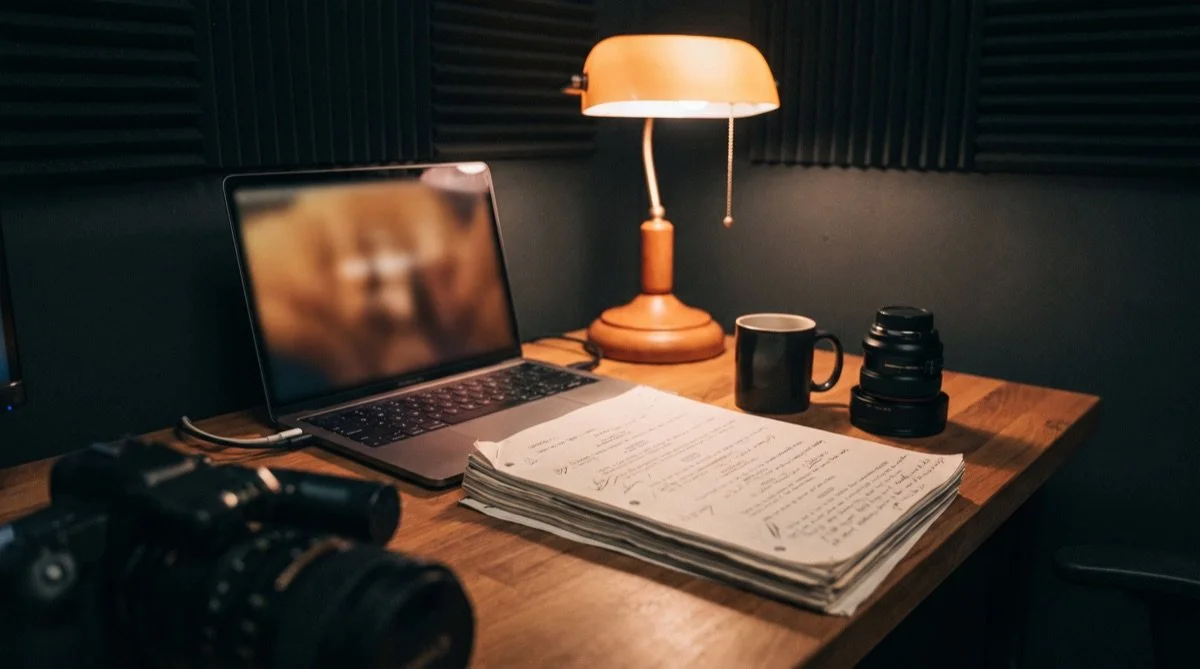
Write
Create a script or import a .txt or .md file, then organise it by client so it’s ready on the day.
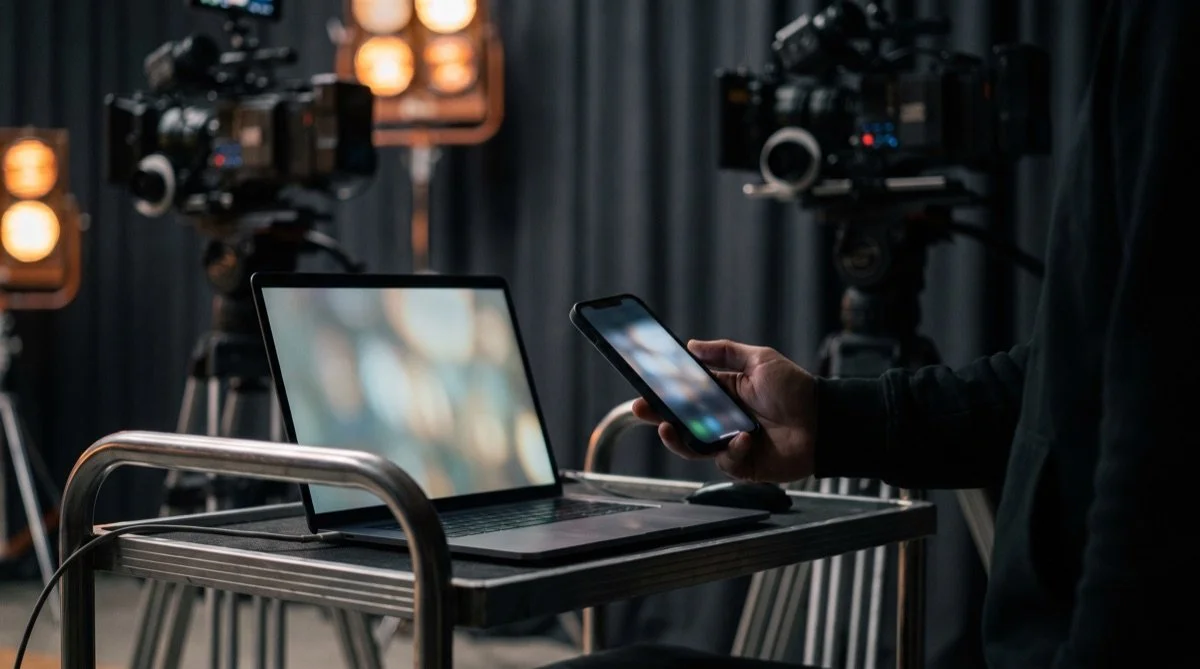
Connect
Scan the QR code with your phone and the prompter opens in its browser over your local Wi-Fi. Wired USB-C connection is planned.
Record
Set the speed, mirror for your rig, start the countdown and control playback from your Mac.
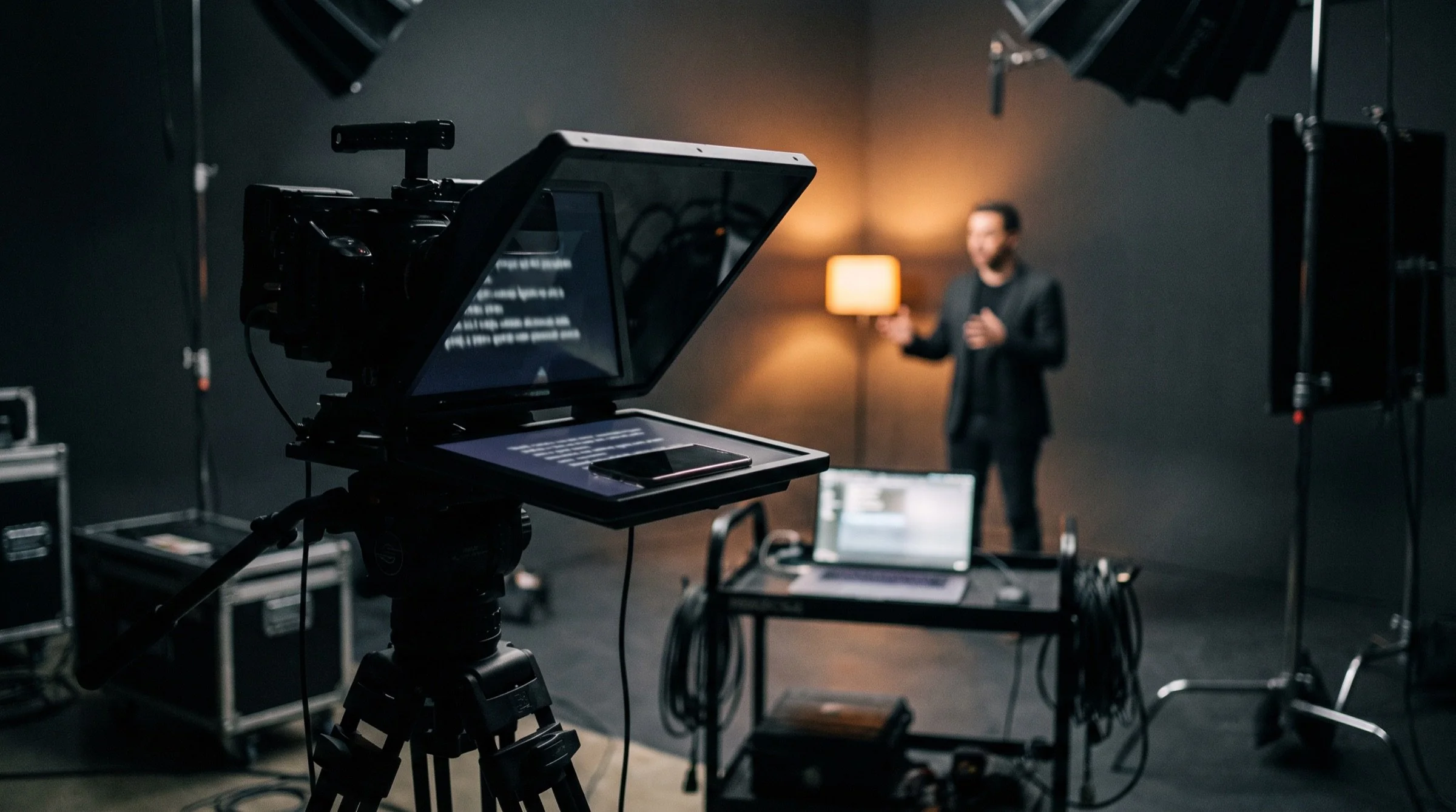
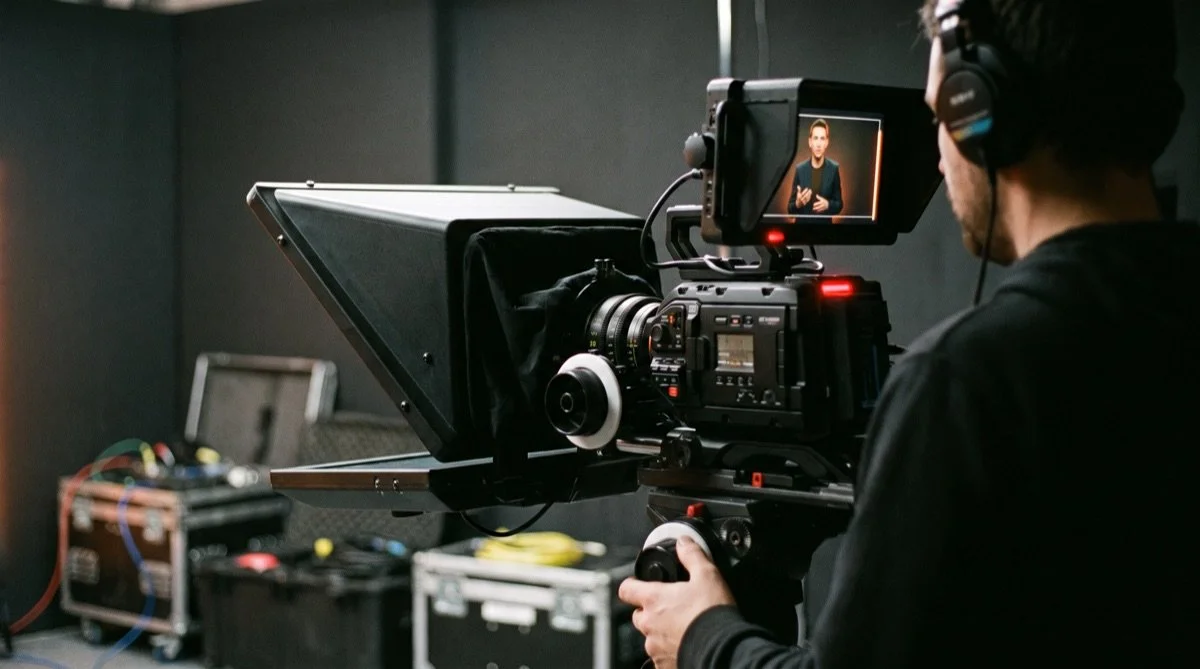
From script to take, on a real set.
Short films of HillPrompt Studio in a working production are on the way.
Write and organise
Scripts and client folders on the Mac.
Scan to connect
The QR code turns a phone into the prompter.
Roll the take
Speed, countdown and mirroring from the Mac.
Ready for beam-splitter glass.
Mirror the text for teleprompter hardware or read it straight off an ordinary screen. Tune it for the person reading.
- Mirror and flip horizontally or vertically
- Speed in words per minute, with fine adjustment
- Countdown of 3, 5 or 10 seconds before the script rolls
- Font, size, line spacing and margins for any reader
- Pause and resume exactly where you stopped
- Keyboard shortcuts for play, pause and speed
The display shows only the script: no buttons, no clutter.
One teleprompter. Multiple ways to use it.
The Mac is the control centre. Phones and browsers become the display.
| Platform | Role | Status |
|---|---|---|
| macOS | Primary desktop app: scripts, controls and playback | In developmentBeta in testing |
| Windows | Desktop app | Coming soonPlanned |
| iPhone | Teleprompter display | In developmentBrowser display in testing |
| Android | Teleprompter display | In developmentBrowser display in testing |
| Web browser | QR-connected display, no app download | In developmentIn testing |
A platform is marked available only once its release build has been tested. Wired USB-C connection between Mac and phone is planned.
$15one time
One payment. Yours for life.
No monthly subscription, no annual renewal and no account to manage.
- HillPrompt Studio for Mac
- Phone and browser teleprompter displays, with no phone app needed
- Script library with client folders
- One simple purchase when it launches
Frequently asked.
Is HillPrompt Studio a subscription?
No. It’s planned as a single $15 purchase for lifetime access, with no monthly or annual fees.
What devices will it support?
The Mac app is the control centre. iPhone and Android phones, and other screens with a browser, work as teleprompter displays. A Windows app is planned. The table above always shows what’s available, in development or coming soon.
Can I use my phone as a teleprompter?
Yes. That’s the core idea: your phone shows the script while your Mac controls it. It’s in testing now.
Will I need to download an app on my phone?
No. Scan the QR code shown in the Mac app and the teleprompter opens in Safari or Chrome.
Will it work offline?
Your Mac and phone talk to each other directly over your local Wi-Fi, not through the cloud, so a take doesn’t depend on an internet connection. We’re confirming this on real sets before launch and will publish exactly what works offline.
Does it work with teleprompter hardware?
It’s designed for it: text can be mirrored and flipped horizontally or vertically for beam-splitter glass, with adjustable size and margins. We’ll list tested rigs before launch.
How do I get updates?
New versions and release notes will be published here. Automatic in-app updates aren’t built yet.
Less setup. More recording.
HillPrompt Studio is in development. Leave your email and we’ll tell you the day it launches.